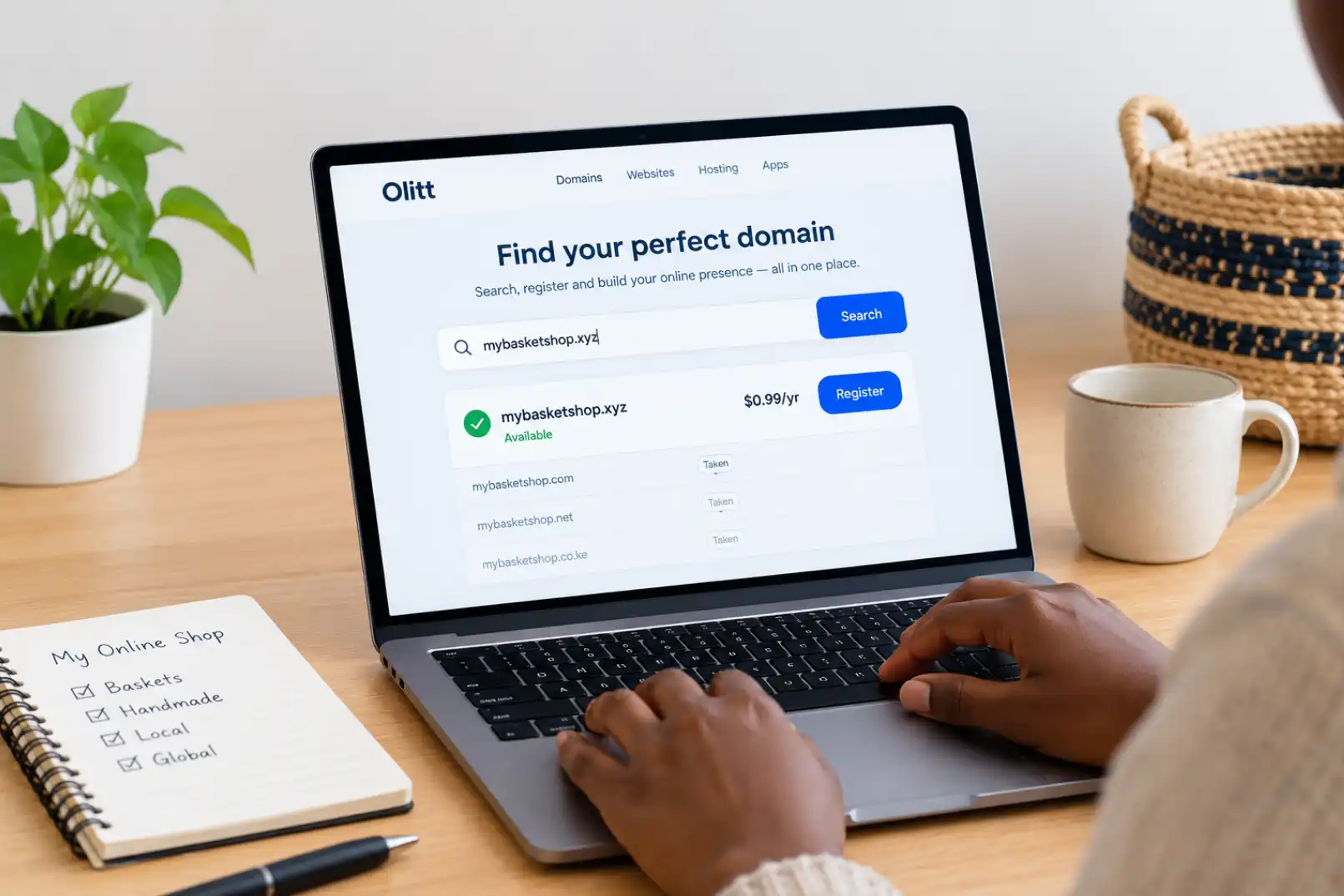
How to Connect a .co.ke Domain to Your Website: You just registered your .co.ke domain, and now nothing happens when you type it into a browser.
That is completely normal. A domain name and a live website are two separate things, and they need to be pointed at each other before anyone can see your site.
This guide walks through exactly how to connect a .co.ke domain to your website, whether you registered it through Olitt or somewhere else.
What Does Connecting a Domain Actually Mean?
Your domain is just an address. Your website files live somewhere else, on a server, through your hosting provider.
Connecting the two means telling the internet’s address system, called DNS, which server your domain should point to. In Kenya, .co.ke domains sit under the naming framework managed by KeNIC, which in turn operates under global rules set by ICANN.
Once that link is set up correctly, typing your domain into a browser sends visitors straight to your website.
What You Need Before You Start
Gather these three things before making any changes.
- Your domain login details, from wherever you registered it
- Your hosting or website builder details, including any nameserver or IP address information
- About 30 minutes, plus patience while changes update across the internet
Having both logins open in separate tabs makes the whole process much smoother.
Two Ways to Connect Your Domain
There are two common methods, and which one you use depends on where you want to manage your DNS settings.
| Method | Best For | What You Change |
| Changing nameservers | Moving full DNS control to your host | Nameserver addresses at your registrar |
| Updating DNS records | Keeping DNS at your registrar | A records and CNAME records |
Most beginners find changing nameservers simpler, since your host manages everything from one dashboard afterward.
Method 1: Changing Nameservers
This method hands over DNS management to your website host completely.
- Log in to your domain account, such as your Olitt dashboard
- Find the domain settings for your .co.ke domain
- Locate the nameserver section, sometimes labeled DNS or name server management
- Replace the existing nameservers with the ones your host provides
- Save the changes
If you registered and host your site both through Olitt, nameservers are often already set correctly by default, so this step may not even be needed.
Method 2: Updating DNS Records Directly
Use this method if you want to keep managing DNS at your registrar while pointing specific parts of your domain elsewhere.
- Log in to your domain’s DNS management panel
- Find the option to add or edit DNS records
- Add an A record pointing your domain to your host’s IP address
- Add a CNAME record if you also want www.yourdomain.co.ke to work
- Save your changes
Your host or website builder should provide the exact IP address or CNAME target you need to enter.
Common DNS Records You Will See
A quick reference helps when you are staring at an unfamiliar settings page.
| Record Type | What It Does |
| A Record | Points your domain to a server’s IP address |
| CNAME Record | Points one address to another, like www to your main domain |
| MX Record | Routes email for your domain |
| TXT Record | Used for verification and email security settings |
You usually only need to touch A and CNAME records when connecting a website.
How Long Does It Take to Work?
DNS changes do not appear everywhere instantly.
This delay is called propagation, and it typically takes anywhere from a few minutes up to 48 hours to fully spread across the internet.
Most people see their site working within a couple of hours, though full global propagation can take longer depending on your domain’s TTL, or time to live, setting.
How to Check If Your Domain Is Connected
Waiting without knowing if anything worked is frustrating, so check your progress instead of guessing.
Type your domain into your browser first. If your site loads, you are likely already connected.
If nothing loads yet, use a free tool like WhatsMyDNS to check how your DNS records look across different locations worldwide.
You can also confirm your nameservers are correct by checking your domain’s settings against what your registrar’s dashboard shows.
Common Errors and How to Fix Them
A few issues come up again and again during this process.
i) The site still shows a parked page. This usually means DNS has not fully propagated yet, so wait a few more hours before troubleshooting further.
ii) Your website loads without HTTPS. Your SSL certificate may still be activating, which often finishes automatically within a few hours of a successful connection.
iii) Email stops working after the change. This happens when MX records get overwritten during setup, so double check they still point to your correct mail provider.
iv) Nothing changes even after 48 hours. Recheck for typos in the nameservers or records you entered, since a single wrong character can block the entire connection.
Connecting a .co.ke Domain to Different Platforms
The exact steps look slightly different depending on where your website lives.
Olitt often auto-detects your domain once you add it inside your website dashboard, so you mostly just paste in the nameservers it gives you.
WordPress usually requires pointing an A record to your hosting provider’s server IP address.
Other website builders typically walk you through the same nameserver or record changes from inside their own settings page.
If your domain is not yet registered, our guide on choosing the best .co.ke domain is worth reading before you get to this stage.
Keeping Everything in One Place
A lot of the confusion around connecting domains comes from juggling two separate providers, one for the domain and one for hosting.
Registering your domain through Olitt and building your site with the Olitt AI website builder removes that extra step, since both live under the same account.
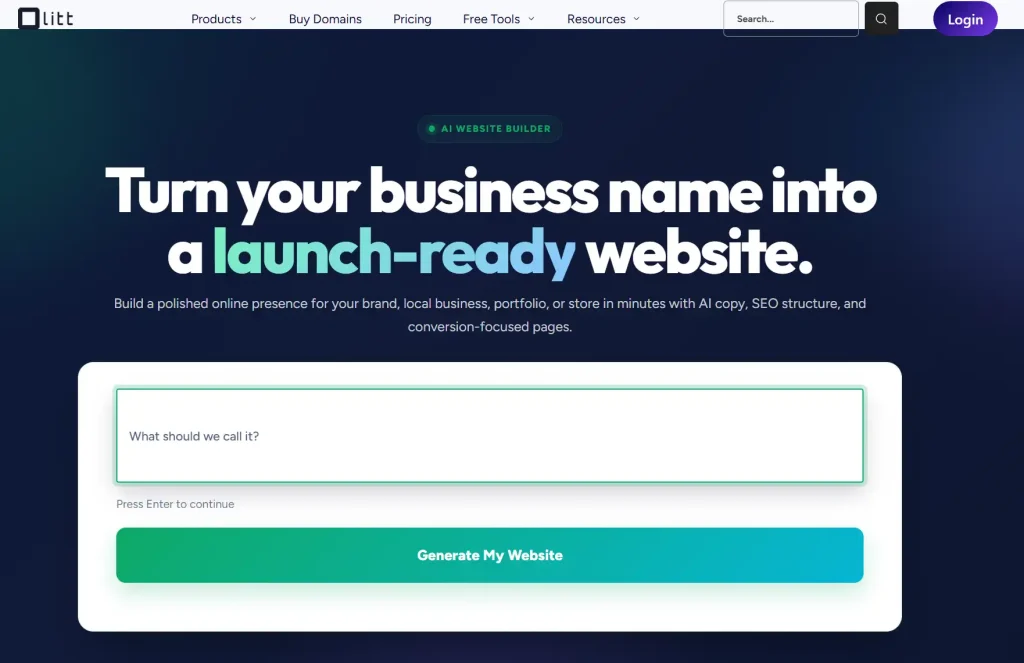
This setup means your domain often connects automatically the moment you publish your site, without touching nameservers or DNS records at all.
A Quick Checklist Before You Finish
Run through this before considering the job done.
- Your domain loads your website, not a blank or parked page
- HTTPS shows a padlock icon in the browser
- Email addresses tied to your domain still send and receive correctly
- www and non-www versions both work, if you want both
If everything on this list checks out, your domain is fully connected.
Get Started With Olitt
Connecting a domain to a website does not need to feel technical once you know which settings actually matter.
If you are starting from scratch, our guide to Kenya’s domain extensions can help you pick the right one before you register.
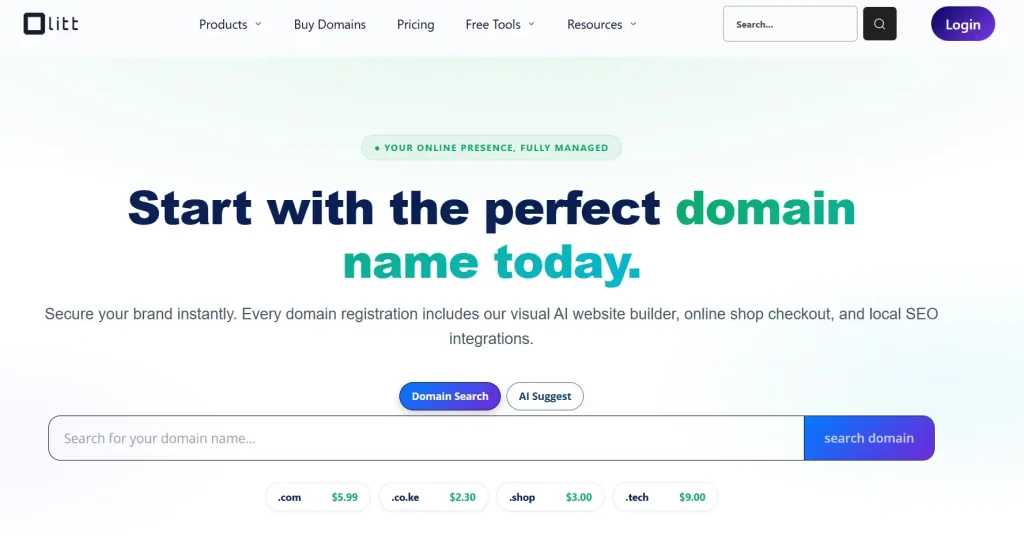
Register or manage your .co.ke domain through Olitt and connect it to a live website in minutes.
Frequently Asked Questions
How long does it take to connect a .co.ke domain to a website?
Most sites go live within a couple of hours, though full DNS propagation can take up to 48 hours in some cases.
Do I need technical skills to connect my domain?
No. Most website builders, including Olitt, guide you through pasting in nameservers or records without needing coding knowledge.
What is the difference between nameservers and DNS records?
Nameservers hand over full DNS control to your host, while DNS records let you manage specific settings, like your website or email, from your registrar instead.
Why does my website show a parked page after connecting my domain?
This usually means DNS has not finished propagating yet, so waiting a few hours often resolves it.
Can I connect one domain to two different websites?
Not directly. You can, however, use subdomains to point different sections, like shop.yourdomain.co.ke, to separate sites or tools.