New websites go live every single minute of the day.
A big part of that growth comes down to one tool: the website builder.
A few years ago, launching a site meant hiring a developer and waiting weeks for a result.
Today, the same task can take less than ten minutes, and these facts about website builder tools explain exactly why.
What Is a Website Builder?
A website builder is software that helps you create a website without writing code.
You do not need design training or a developer on standby.
With a tool like Olitt’s AI website builder, a working site can go live the same day you start.
How Does a Website Builder Work?
With an AI-powered builder like Olitt, the proces s starts with a conversation instead of a blank template.
- You describe your business in a short prompt, such as the type of business, what it offers, and who it serves
- The AI generates a starting layout, complete with sections, sample text, and images based on your prompt
- You edit the result, swapping in your own text, photos, and colors
- You publish the site, and it goes live on the internet
15 Facts About Website Builder Tools
Here are the details that explain why so many businesses now skip custom coding altogether.
1. Many Now Use AI to Speed Things Up
A growing number of website builders use AI to generate a starting layout based on a few questions about your business.
Olitt’s AI website builder works this way, turning basic details into a draft site you can then edit by hand.
This does not remove your control over the design. It just gives you a faster starting point than a blank template.
2. Many Plans Are Budget-Friendly
Most website builders offer a free plan to get started.
Paid upgrades usually unlock extra features like custom domains or advanced integrations, so you only pay once your site actually needs more.
3. You Keep Full Control
Since you build the site yourself, you can add, remove, or change any section whenever you want.
There is no need to call a developer every time you want to update a headline or swap a photo.
4. They Save Real Time
Building a site with a website builder can take under ten minutes from start to finish.
On Olitt, you can go from a blank screen to a live, working website in that same short window.
5. Security Is Built In
Website builders typically include SSL encryption by default, which protects data moving between your visitors and your site.
This matters for any site that collects emails, orders, or payments.
6. You Can Work From Anywhere
Since online builders run through a browser, you can edit your site from a laptop, tablet, or phone.
No physical office or dedicated computer is required.
7. No Coding or Design Skills Needed
You do not need to know HTML, CSS, or graphic design to use a website builder.
Templates already carry the design work, so your job is filling in the content.
8. Hosting Often Comes Included
Hosting is the service that keeps your website online and accessible to visitors.
Most website builders, including Olitt, bundle hosting directly into your plan, so there is no separate hosting bill to manage.
9. Free Domains Are Common
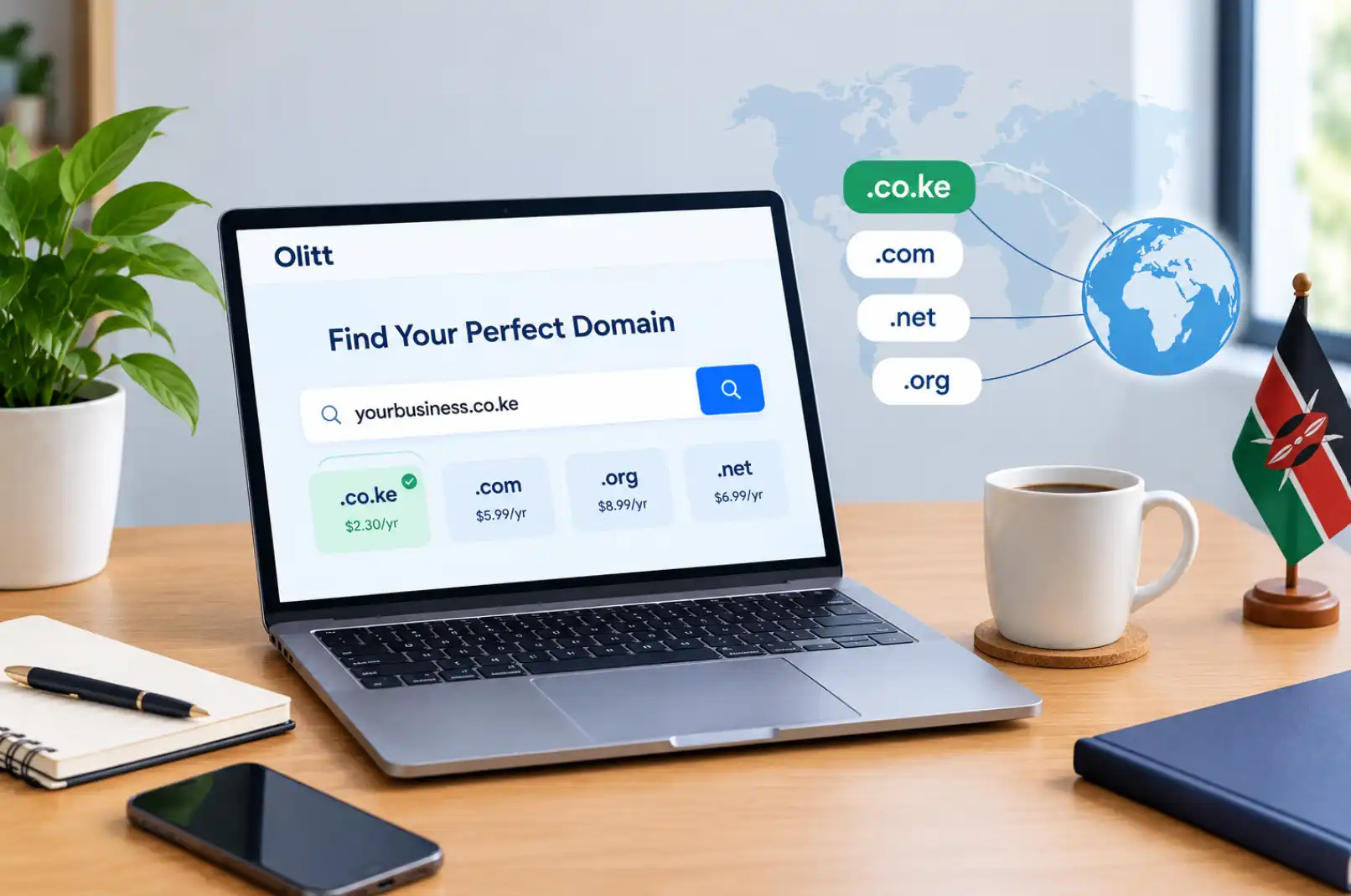
A domain is the web address people type to reach your site, such as yourbusiness.com.
Many builders offer a free starter domain, and you can always upgrade to a custom one later if you want a shorter, branded address.
10. Connecting an Existing Domain Is Simple
If you already own a domain from somewhere else, most builders let you connect it for free.
On Olitt, linking an existing domain to a new site takes only a few steps, no matter where you originally bought it.
11. Custom Code Is Still an Option
Even without coding skills, you can add custom code snippets, such as JavaScript, if you need a specific feature.
This gives advanced users a way to extend the site beyond the built-in tools.
12. Templates Cover Almost Any Business
Whether you run an online shop, a blog, or a service business, there is a template built for that use case.
Picking the right starting template saves hours compared to designing a layout from scratch.
13. Integrations Expand What Your Site Can Do
Payment gateways, booking tools, and email marketing platforms can usually be connected directly inside the builder.
Payment integrations deserve extra attention, since they need to keep customer information secure.
14. Maintenance Stays Simple
Updates and changes can be scheduled for whenever suits you, without needing outside help.
This keeps ongoing site management light compared to a custom-coded website.
15. Support Is Available When You Need It
Most website builder platforms offer a support team for when something does not work as expected.
Olitt includes support access so users are not left guessing when a question comes up.
Why These Facts About Website Builder Tools Matter for Your Business
Put together, these facts point to one simple idea. A website builder removes the biggest barriers that used to stop people from launching online.
You no longer need a big budget, a technical background, or weeks of waiting.
A small business owner, a freelancer, or a first-time entrepreneur can all use the same tool to get a working site live.
Website Builder vs Custom Development
It helps to see how a website builder actually compares to hiring a developer for a basic site.
| Factor | Website Builder | Custom Development |
| Time to launch | Minutes to hours | Days to weeks |
| Coding skill required | None | Required |
| Typical cost | Free to low monthly fee | Higher upfront cost |
| Ongoing changes | Done by you, anytime | Often needs a developer |
| Best for | Small sites, shops, portfolios | Complex, highly custom systems |
For most small businesses and personal projects, a website builder covers everything needed without the extra cost of custom development.
If your project grows into something more complex later, you can always explore Olitt’s online shop tools or bring in outside development help down the line.
Getting Started the Right Way
A few small steps make the process even smoother once you decide to build your site.
- Pick a template close to your industry before customizing it
- Prepare your logo, photos, and text ahead of time
- Decide early whether you need a custom domain or a free starter one
- Check which integrations your business actually needs, such as payments or booking
Checking your options on Olitt’s domain page before you start also helps you settle on a domain name early in the process.
Build Your Website With Olitt
These facts about website builder tools show why so many businesses skip custom coding and go straight to a visual editor instead.
If you want to see it in action, you can start building for free and publish your site the same day using Olitt’s website builder.
Frequently Asked Questions
Do I need coding skills to use a website builder?
No. Website builders are built specifically so anyone can create a site using templates and drag and drop tools.
Is website hosting included with a website builder?
Most builders, including Olitt, include hosting as part of the plan, so you do not need a separate hosting account.
Can I use my own domain with a website builder?
Yes. Most builders let you connect an existing domain for free, no matter where you originally purchased it.
How long does it take to build a site with a website builder?
A basic site can go live in under ten minutes, though more detailed sites may take a few hours to fully customize.
Are website builders secure?
Yes. Most include SSL encryption by default, which protects data moving between your site and your visitors.