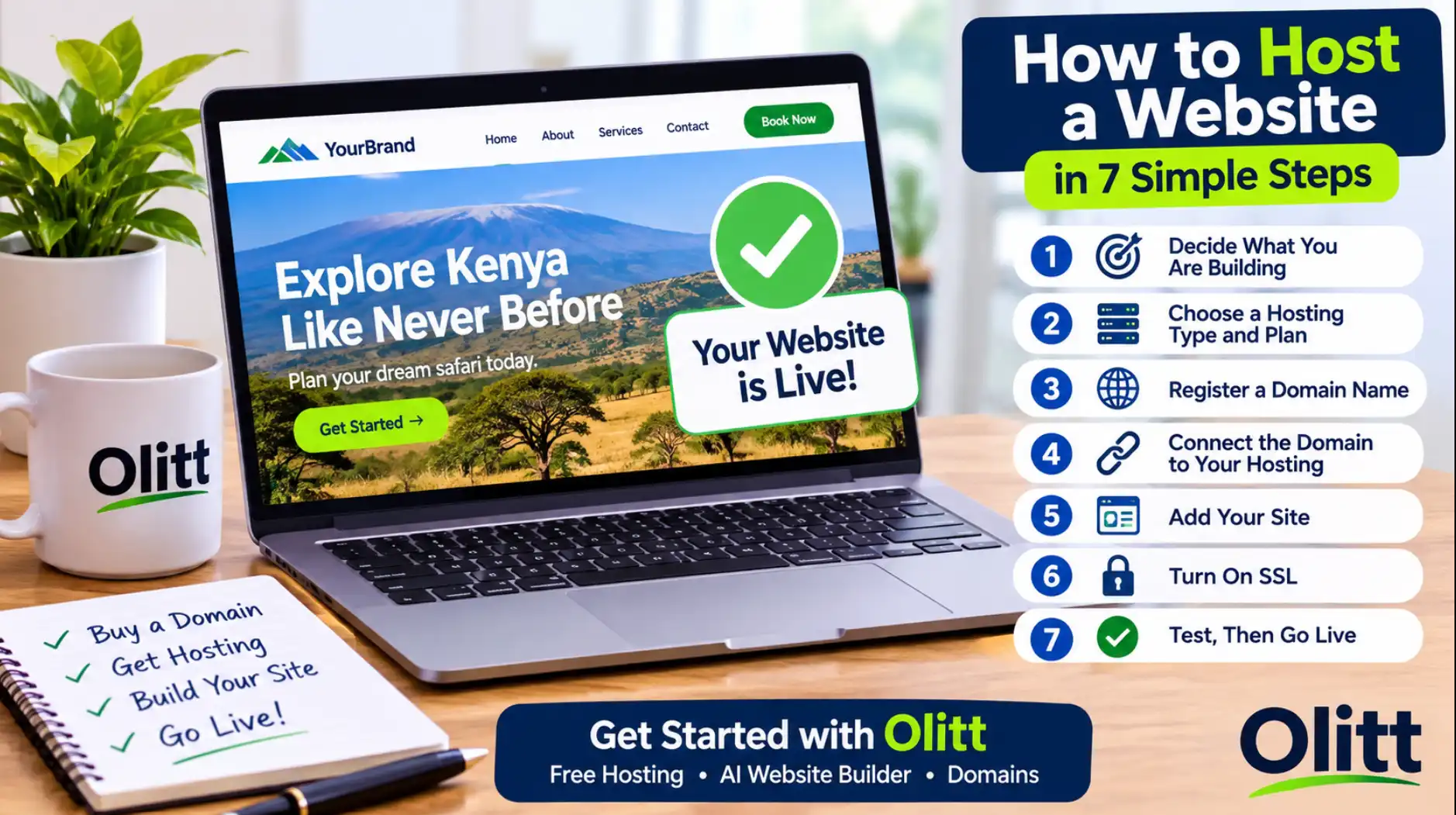
You need a website, and you do not want to learn code or pay a developer a month of savings. A website builder lets you design, publish, and manage a site from your browser, often in a single afternoon.
The benefits of a website builder go beyond speed and price, and so do the limits. This guide covers both, so you can decide with all the facts.
If you want to test one first, Olitt has a free plan, and its paid AI Website Starter plan lists a price of $6.99 a month.
What Is a Website Builder?
A website builder is an online tool that lets you create a site without writing code. You pick a template or answer a few questions, then edit text, images, and sections on screen.
Most builders bundle hosting, security, and a way to connect your own domain. Newer AI builders go a step further and draft the pages for you from a short description of your business.
Why So Many Businesses Use One
Websites are now normal for small businesses, and builders are a big reason. A Clutch survey reported in August 2025 found that 83 percent of small businesses have a website, up from 64 percent in 2018, according to Clutch.
Among sites launched in the past year, Clutch found that DIY builders such as Wix and Squarespace power 41 percent. WordPress or Shopify power 34 percent, and only 12 percent are custom built.
Builders also hold real market share. W3Techs data for November 13, 2026, reported by Search Engine Journal, shows Shopify at 5.4 percent, Wix at 4.2 percent, and Squarespace at 2.4 percent of all surveyed sites.
The Benefits of a Website Builder
Each benefit below includes what to check, so you do not take a sales page at its word.
1. You Launch Faster
With a builder, you skip hiring, briefing, and waiting. You choose a design, add your content, and publish.
AI builders shorten the first step further by producing a draft from a few answers. You still need to read every line, but you start from a page instead of a blank screen.
2. You Spend Less
A custom site means paying a developer before a single visitor arrives. A builder usually costs a monthly or yearly fee that you can plan for.
Many builders also have a free plan, so you can test the tool before paying. Compare the full price, including the domain and any add-ons, not only the headline plan.
3. You Do Not Need Technical Skills
You edit by clicking and typing, much like a slide deck. Blocks for galleries, contact forms, and testimonials drop into place without code.
This helps most when you run the business yourself. Your time goes into your content and customers, not into fixing layouts.
4. Your Site Works on Phones
Visitors open sites on phones first, and search engines notice. Google says it uses the mobile version of a site for indexing and ranking, and it recommends responsive design, which adjusts one site to any screen, according to Google Search Central.
Good builders ship responsive templates and let you preview the phone view. Always test your own pages on a real phone before you publish.
5. Hosting, SSL, and Backups Come Included
A builder runs your site on its own servers, so you skip the step of buying and setting up hosting. Most also add an SSL certificate, which gives your site the padlock and an https address.
Ask about backups and version history too. If you break a page, you want a way to go back, and Olitt’s AI Website Starter plan lists version control for this reason.
6. SEO Tools Are Built In
Builders give you simple forms for page titles, meta descriptions, image alt text, and clean URLs. Many create a sitemap automatically, which helps search engines find your pages.
These tools remove the technical work, but they do not write useful content for you. Pages that answer real questions in your town or niche still rank best.
7. Selling Online Is Easier
Many builders let you add products, take payments, and track orders from one dashboard. That is far simpler than wiring a shop together by hand.
Check which payment methods your builder supports before you commit. If your customers pay by M-Pesa, confirm that it works with the tool you choose.
8. Updates and Security Are Handled for You
The platform patches its own software and improves its features in the background. You do not install plugins or chase security fixes.
That frees you from a job that catches many WordPress owners out. You still need strong passwords and a careful eye on who has access.
9. Help Is Close By
Builders offer tutorials, guides, and support teams, and some run community forums. Support hours and channels differ, so check them before you pay.
A quick test works well. Send a question to support during your free trial and see how fast the answer comes.
10. You Can Grow Without Starting Over
You can add pages, a blog, a shop, or team members as the business grows. Switching templates refreshes the look while your content stays in place.
Upgrading a plan is usually a click, not a rebuild. That makes a builder a safe place to start small.
Website Builder vs WordPress vs Custom Code
A builder is not the only route. This table shows how the main options compare.
| Website builder | WordPress | Custom code or developer | |
| Setup time | Hours to days | Days to weeks | Weeks to months |
| Skill needed | None | Some | High, or you hire it |
| Cost pattern | Predictable plan fee | Hosting plus themes and plugins | Large upfront fee |
| Flexibility | Moderate | High | Highest |
| Upkeep | Handled by the platform | You manage updates | You or your developer |
| Best for | Small business sites and shops | Content-heavy or custom sites | Complex products |
Limits to Know Before You Choose
A fair guide shows the downsides too. These are the points to weigh.
- Lock-in. Some builders do not let you export your site, so moving later may mean rebuilding.
- Similar-looking sites. Popular templates can make your site look like many others unless you customize it.
- Feature ceilings. Very custom features may be impossible or need workarounds.
- Platform fees. Some builders charge transaction fees or hide features behind higher plans.
- Platform rules. You control your content, but you are bound by the provider’s terms of service.
Ask whether you can export your content or connect your own domain, and read the migration options before you commit.
Who Should Skip a Builder
A builder is not for everyone. These cases usually need a different route.
- Complex web apps. Products with user accounts, custom logic, or heavy data need custom code.
- Very large catalogs. A big store with advanced rules may outgrow a general builder.
- Strict brand systems. A company with exact design rules may find templates too tight.
Most small businesses, freelancers, and local shops fall outside these cases. For them, a builder is the sensible starting point.
How to Choose a Website Builder
Use this checklist when you compare tools.
- Total cost. Add the plan, domain, email, and any apps, and check the renewal price.
- Domain connection. Make sure you can use your own domain, not only a subdomain.
- Export and exit. Check what you can take with you if you leave.
- Mobile editing and preview. You should see the phone view before you publish.
- SEO controls. Look for editable titles, descriptions, alt text, and URLs.
- Payments and local fit. Confirm support for the payment methods your customers use.
- Support. Test it during the trial.
If your site is a single landing page, our guide to the one page website builder shows what to look for.
How to Launch a Site With a Builder
A simple site can go live in a few steps. Follow them in order.
- Set one goal. Decide whether the site should bring calls, bookings, or sales.
- Pick a domain. Choose a short, clear name that matches your brand.
- Choose your builder. Test the free plan or trial first.
- Add real content. Use your own photos, prices, hours, and contact details.
- Check mobile and speed. Open every page on a phone before you publish.
- Publish and connect your domain. Then share the link and track visits.
Read every line that an AI builder writes before you publish. It can invent details, so confirm each price, address, and phone number.
The Olitt Website Builder
Olitt combines an AI website builder, domains, and hosting in one account. You answer questions about your business, and the builder creates pages and content that you can edit.
Plans change, so confirm the details in the Olitt pricing section.
- Free plan. An AI-built website, free hosting, basic SEO tools, and an Olitt subdomain.
- AI Website Starter at $6.99 a month. Free SSL, SEO and marketing tools, one business email, DNS management, and version control.
- WordPress hosting from $9.99 a year. A good fit if you prefer the WordPress route, and our guide to hosting with AI website builders explains the trade-offs.
Olitt also offers domain search, an AI domain name generator, and a WHOIS lookup, so you can find a name and build the site in one place.
Frequently Asked Questions
What are the benefits of a website builder?
You launch faster, spend less, and need no coding skills. You also get mobile-ready templates, hosting, SSL, built-in SEO tools, and room to grow.
Can I use a website builder for my business?
Yes. Builders suit small businesses, freelancers, and shops that need a clear site without a developer.
Do I own my content on a website builder?
You control your text, images, and information. You are still bound by the platform’s terms, so read them before you commit.
How secure is a website builder?
Reputable builders handle SSL, updates, and backups for you. You still need strong passwords and careful access control.
Can I move my site later?
Some builders let you export content or connect your own domain, and others do not. Check the migration options before you choose.
Build Your Website With Olitt Today
If you want a professional site without code or a big budget, you can start in minutes. Olitt gives you an AI website builder, domains, hosting, and business email in one place.
Start free, publish your first pages this week, and upgrade only when your business is ready. Your customers are already searching for you, so give them a site worth finding.