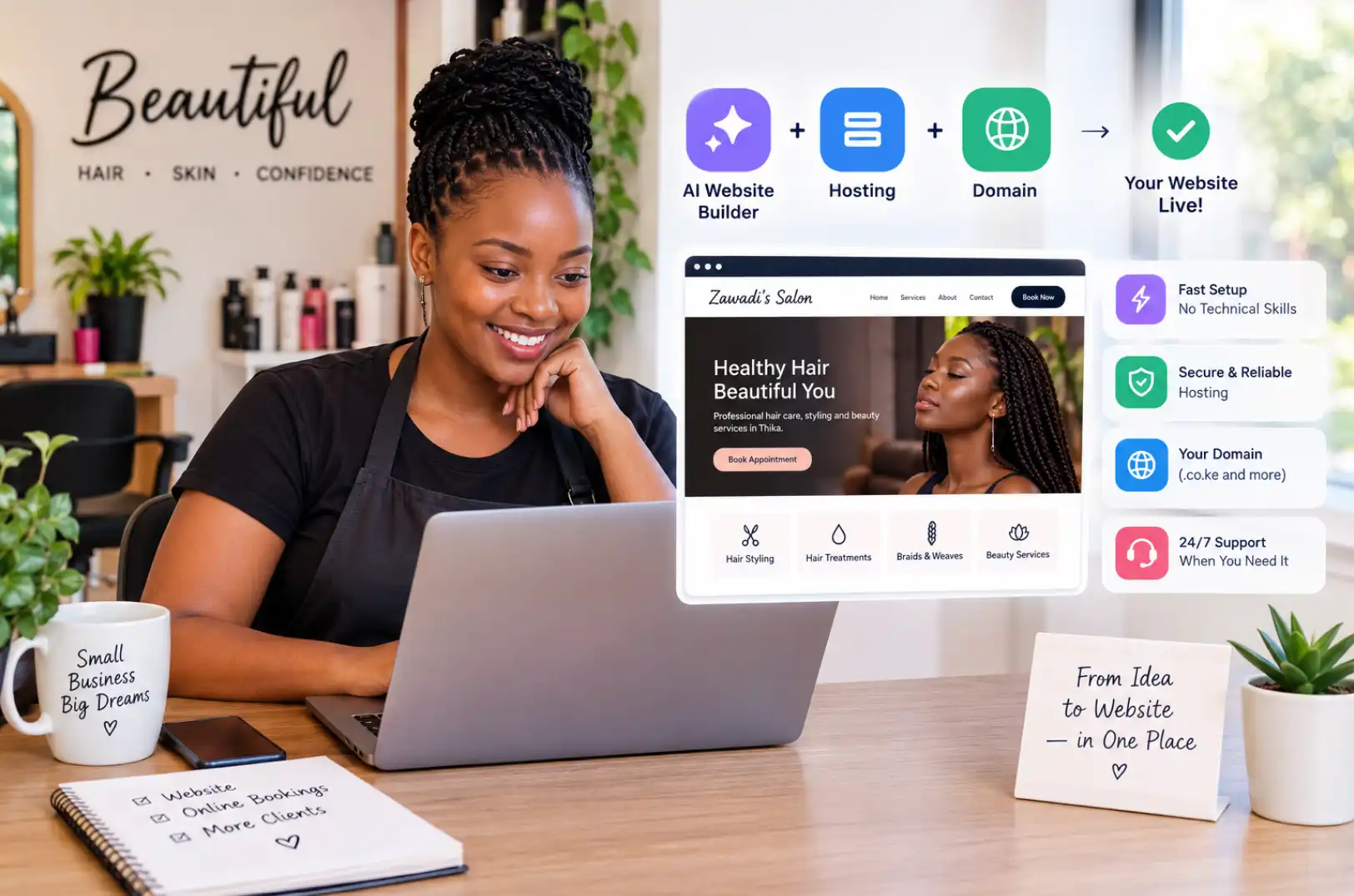
A woman in Nakuru spends three weekends building an online shop for her handmade candles. She fights with templates, resizes photos for hours, and still has no product descriptions.
By the time the store is ready, her busy season is over. Stories like this are common, and they are exactly why AI store builders now exist.
An AI store builder creates the shop for you from a short description, then helps you fill it, price it, and sell. In this guide, you will learn how these tools work, which features count, what they cost, and how to launch safely. Olitt is built for this kind of fast, simple launch, and the sections below will help you judge any tool with confidence.
What Is an AI Store Builder?
An AI store builder is software that sets up an online shop using artificial intelligence. You describe your business, and the tool creates the layout, pages, product text, and checkout flow.
Older builders gave you an empty template and left the work to you. The newer kind does the first draft, and you edit it.
What the AI Actually Does
The AI is not magic, and it helps to know where it saves time. Most tools use it for these jobs:
- Writing product titles and descriptions from a few keywords
- Suggesting a store layout based on what you sell
- Creating a logo, color palette, and banner images
- Sorting products into sensible categories
- Drafting policy pages like shipping and returns
- Answering common customer questions through a chat assistant
You still make the decisions. The AI simply removes the blank page.
Who Uses These Tools
Three groups benefit the most. They are first-time sellers, small shops moving from social media to a real website, and busy owners who want to test a product idea without paying a developer.
A phone repair shop in Eldoret, for example, can list screen protectors and chargers in an afternoon. Customers then order online instead of calling.
Why the Best AI Store Builder Saves Real Money
Time is the biggest cost in a new shop. A custom store from a freelance developer can take weeks and cost hundreds of dollars before you sell anything.
A good AI builder cuts that to days. You spend your budget on stock and marketing instead.
Speed Without Messy Results
Fast does not have to mean sloppy. The better tools produce clean, mobile-friendly pages that load quickly, which is vital because most shoppers browse on phones.
Google also rewards fast, well-structured stores. Its ecommerce search guidance explains how product data helps your items appear in search results.
Lower Skill Barrier
You do not need to know code, design, or copywriting. If you can write a message on your phone, you can run a basic store.
That opens the door for people who had great products but no technical help. It also lets you fix problems yourself instead of waiting on someone else.
How an AI Store Builder Works
The process feels like a conversation. You answer a few questions, and the tool builds the shop around your answers.
Step One: You Describe Your Business
You share what you sell, who buys it, and the style you like. Some tools also ask for your website or social page so the AI can copy your tone.
The more detail you give, the better the first draft. Saying I sell organic shea butter to women aged 25 to 40 beats saying I sell skincare.
Step Two: The AI Builds a First Draft
Within minutes, you get a home page, product pages, a cart, and a checkout. The layout is already adjusted for phones.
Think of it as a rough sketch drawn by a fast assistant. You keep the good parts and change the rest.
Step Three: You Edit and Add Products
You upload photos, set prices, and tweak the text. Many tools let you import a spreadsheet, so a hundred products can go live in one go.
Good builders also suggest improvements. They may flag a missing product image or a title that is too long.
Step Four: You Connect Payments and Launch
Next comes payment and shipping setup. After a test order, you publish the store and share the link.
The whole path can take a single day for a small catalog. Larger shops take longer, mostly because of photos and stock data.
Key Features to Look For
Every tool claims to be smart. These features separate a useful builder from a flashy demo.
| Feature | Why it helps | What to check |
| AI store and page creation | Gives you a working shop fast | Can you edit every part afterward? |
| AI product descriptions | Saves hours on writing | Does the text sound human and unique? |
| Local payment options | Customers pay the way they prefer | M-Pesa, cards, bank transfer, and mobile wallets |
| Mobile-first design | Most buyers shop on phones | Test the store on a cheap phone |
| Inventory tracking | Prevents selling items you do not have | Low-stock alerts and variants like size and color |
| SEO tools | Helps shoppers find you on Google | Editable page titles, meta text, and clean URLs |
| Custom domain support | Builds trust with your own web address | Easy connection to a domain you own |
| Analytics | Shows what sells and what does not | Simple reports, not a maze of charts |
| Support | Fixes problems quickly | Chat or phone help in your time zone |
Features That Sound Good but Rarely Help
Be careful with long lists of extras you will never touch. A tool with fifty add-ons but a clumsy checkout will lose you sales.
Focus on the basics first. A fast, clear path from product page to payment beats every fancy widget.
Benefits for Small Businesses
The gains show up quickly, and they add up over months. Here is what most sellers notice first.
- Faster launch: you can open for business in days.
- Lower cost: you skip designer and developer fees.
- Consistent quality: every product page follows the same clean format.
- Easy updates: you change prices or add items in minutes.
- Better focus: you spend time on customers, not code.
- Room to grow: you can add products and payment methods later.
A small clothing brand in Mombasa could use the extra time to photograph new stock and chat with buyers. Those two tasks bring in more sales than tweaking page colors ever will.
Best AI Store Builder vs Other Ways to Build a Shop
AI builders are not the only option. Here is how the main routes compare.
| Approach | Typical setup time | Typical upfront cost | Skill needed | Best for |
| AI store builder | 1 to 3 days | Low | Beginner | New and small shops |
| Traditional drag-and-drop builder | 1 to 3 weeks | Low to medium | Some design sense | Owners who want manual control |
| Open-source platform on your own hosting | 2 to 8 weeks | Medium | Moderate to high | Shops needing custom features |
| Custom development | 1 to 3 months | High | Developer team | Large or unusual stores |
When an AI Builder Is Not Enough
If you need a very custom checkout, complex wholesale pricing, or links to old accounting software, a custom build may fit better. Most small shops never reach that point.
You can also start with an AI builder and move later. Your product data and customer list usually come with you if you export them.
How Much Does an AI Store Builder Cost?
Prices vary by tool and by how many products you sell. The numbers below are rough monthly estimates, so always check current pricing.
| Plan level | Typical monthly cost | What you usually get |
| Starter | About $5 to $15 | Core store, limited products, basic AI tools |
| Growth | About $15 to $40 | More products, better analytics, extra AI features |
| Advanced | About $40 to $100 | Large catalogs, staff accounts, priority support |
Costs People Forget
The monthly fee is only part of the bill. Watch for these extras:
- Domain name, usually $10 to $20 a year
- Payment processing fees on every sale
- Paid apps or add-ons
- Product photography
- Shipping supplies and delivery costs
A domain from a registrar such as Truehost keeps your store address under your control. That matters when you switch tools later, since the address stays with you.
Free Plans and Trials
Free trials are great for testing speed and ease of use. Free forever plans often limit products, remove your custom domain, or add the builder brand to your pages.
Use a trial to build three real products and place a test order. If that feels clumsy, the paid plan will not feel better.
How to Choose the Best AI Store Builder for You
Start with your own needs, not the loudest ad. Write down what you sell, how many items you have, and where your buyers live.
Then compare tools on the points that affect daily work.
Questions to Ask Before You Pay
- Can I edit everything the AI creates?
- Does it support the payment methods my customers use?
- Is my store fast on a mobile data connection?
- Can I export my products and customers if I leave?
- What happens to my store if I miss a payment?
- Is real human support available when something breaks?
Red Flags
Be wary of tools that hide pricing or lock your domain. Also skip any builder that cannot show a live example store you can open on your own phone.
Read reviews for patterns. One angry customer is noise, but ten saying the same thing about slow support is a signal.
Test With a Small Experiment
Pick two tools and build the same five products on both. Compare how long each took, how the pages look, and how the checkout feels.
Ask a friend to place an order using a phone. Their honest reaction teaches you more than any feature list.
Setup Basics
You do not need a technical background to launch. You do need a few things ready before you start.
What to Prepare First
- A clear business name and a matching domain
- Photos of every product, ideally on a plain background
- Prices, sizes, colors, and stock numbers
- Your shipping rules and return policy
- A business bank or mobile money account for payouts
Domain and Hosting
Your store address should be short and easy to say out loud. If the builder includes hosting, you only need to connect your domain by changing a few DNS settings.
If you plan to run a blog or extra pages elsewhere, a separate plan from a host like Truehost web hosting can sit alongside your store. Pair it with a business email address, so customers see [email protected] instead of a free inbox.
Payments and Shipping
Turn on the payment methods your buyers already use. In Kenya, that usually means M-Pesa plus cards, while other regions may lean on bank transfers or wallets.
Set shipping rates by zone or weight. Be honest about delivery times, because late parcels are the top reason for bad reviews.
Getting Found on Google
A beautiful shop with no visitors earns nothing. Search traffic is free and keeps working once you set it up.
Simple SEO Steps
- Write a unique title and description for every product
- Use clear category names that shoppers would type
- Add descriptive text to every image
- Keep your URLs short, such as /candles/lavender-soy-candle
- Add customer reviews, since fresh content helps rankings
AI-written descriptions are a good start, but edit them. Add real details such as size, scent, material, and who the product is for.
Speed Counts
Large images slow down stores, and slow stores lose buyers. Compress your photos before uploading, and keep each one under 300 KB when you can.
The Baymard Institute tracks why shoppers leave without buying. Surprise costs and slow checkouts appear again and again.
Security and Trust
Shoppers hand over personal details, so trust is everything. A single data leak can end a young business.
Basics Your Store Needs
- An SSL certificate, shown as a padlock in the browser
- Payments handled by trusted processors, not stored by you
- Strong passwords and two-factor login for all staff
- Clear privacy and refund pages
- Regular backups of products and orders
Card data rules are set by the PCI Security Standards Council, and good builders follow them for you. Confirm that your tool does before you start taking payments.
Spotting Fake Orders
Watch for large orders with mismatched names and addresses. Hold them for a quick phone call before you ship.
Scammers prefer shops that never check. A short confirmation step protects your stock and your cash.
Ongoing Management
Launching is the start, not the finish. A weekly routine keeps the shop healthy.
A Simple Weekly Checklist
- Check orders and update stock counts
- Reply to customer messages within one business day
- Review which products sold and which did not
- Test the checkout on your phone
- Update any out-of-date prices or photos
A Monthly Checklist
- Read your sales and traffic reports
- Refresh your best pages with new photos or text
- Remove products that never sell
- Review costs and cancel unused apps
- Back up your product and customer data
Grow in Small Steps
Add one change at a time, such as a new payment option, a bundle deal, or a discount code for first buyers. Small tests show what works without risking the whole shop.
Keep notes on each change and its result. After three months, you will have your own playbook.
How to Get Started Step by Step
Here is a plan you can follow this week.
- Define your shop. Write two sentences about what you sell and who buys it.
- Gather your products. Collect photos, prices, sizes, and stock counts in one spreadsheet.
- Pick your domain. Choose a short name and register it with a trusted provider such as Truehost.
- Choose your builder. Compare two or three tools using the questions above, then start a trial.
- Generate your first draft. Describe your business in detail, and let the AI build the store.
- Edit the content. Rewrite product text so it sounds like you, and fix any wrong details.
- Set up payments and shipping. Connect your payment methods, and add delivery rates and policies.
- Place a test order. Buy something yourself on a phone, then check the confirmation email.
- Launch and share. Publish the store, then post the link on social media and message your past customers.
- Review after two weeks. Look at visits, orders, and drop-off points, then fix the weakest page first.
Practical Next Moves
You now have the full picture, so here is how to act on it. Keep it simple and move in this order.
- If you sell through chats and social posts, build a store this month. Customers can order any hour without waiting for you.
- If you already have a store that looks dated, test an AI rebuild with ten products. Compare the results before moving everything.
- If your product pages are thin, rewrite them with real details. Specific text sells better than generic text.
- If you lose sales at checkout, add the payment methods your buyers ask for. Local options often lift orders quickly.
- If you are unsure where to start, run a trial and build three products. One afternoon will tell you more than a week of reading reviews.
The right tool should feel like a helpful partner. It does the heavy lifting, and you keep the personality of your brand.
Ready to launch your shop without the headaches? Start building your store with Olitt and see your first draft come together today.
Frequently Asked Questions
What is the best AI store builder for beginners?
The best choice is one that creates a full store from a short description and lets you edit everything. Olitt is designed for that simple, fast start.
Do I need coding skills to use an AI store builder?
No. You describe your business, review what the AI creates, and edit it with simple tools.
Can I use my own domain name?
Yes, most builders let you connect a domain you own. Buying it from a registrar like Truehost keeps full control in your hands.
How long does it take to launch a store?
A small shop can go live in one to three days. Larger catalogs take longer because of photos and product data.
Is AI-written product text good enough to publish?
It is a strong first draft, but you should edit it. Add real details like size, material, and use so the text sounds like your brand.